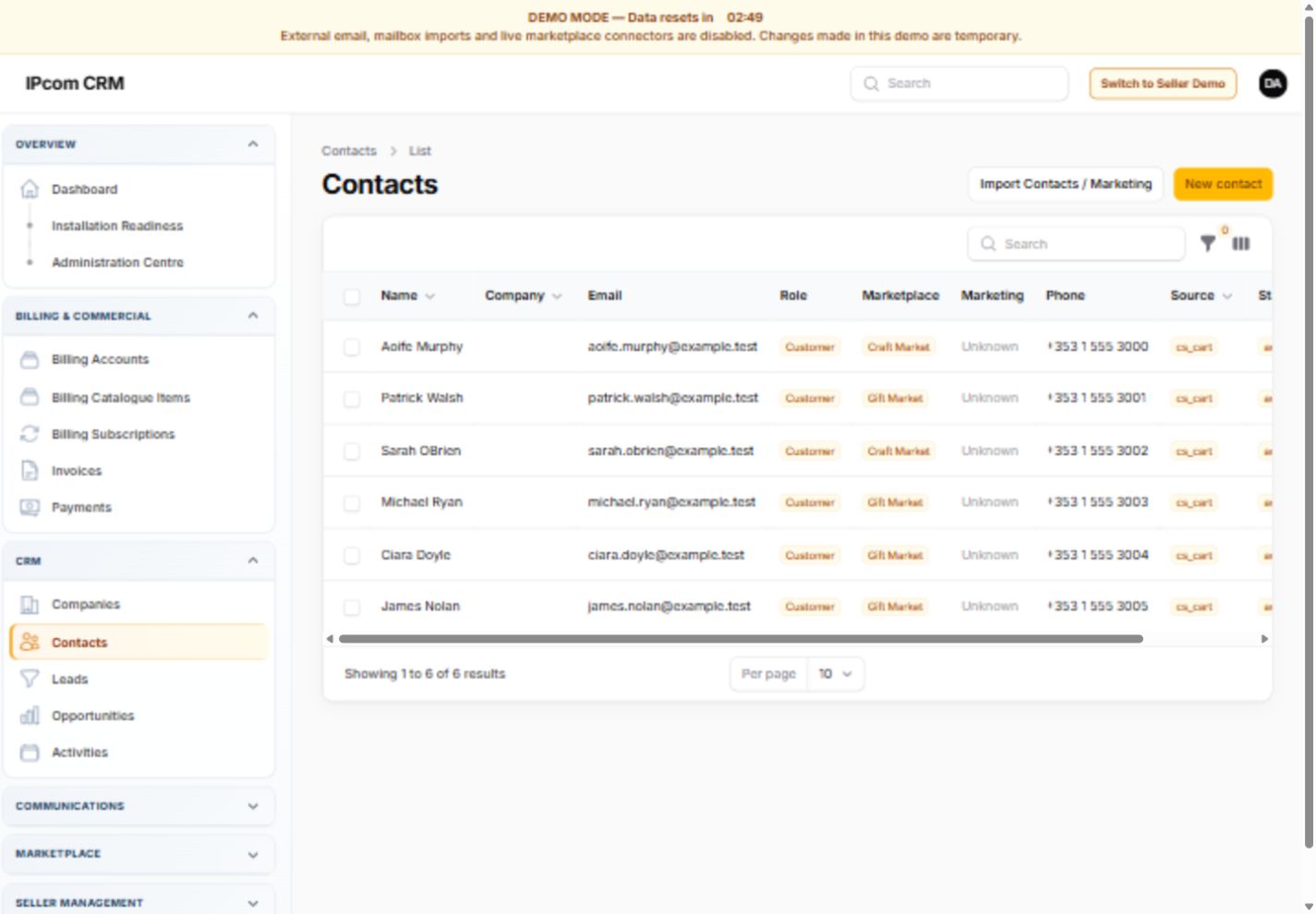
Contacts
Maintain structured contact details, roles, communication information, notes and customer context.
From the first enquiry through sales, communications, subscriptions and ongoing support, IPcom CRM keeps the relevant business activity connected.
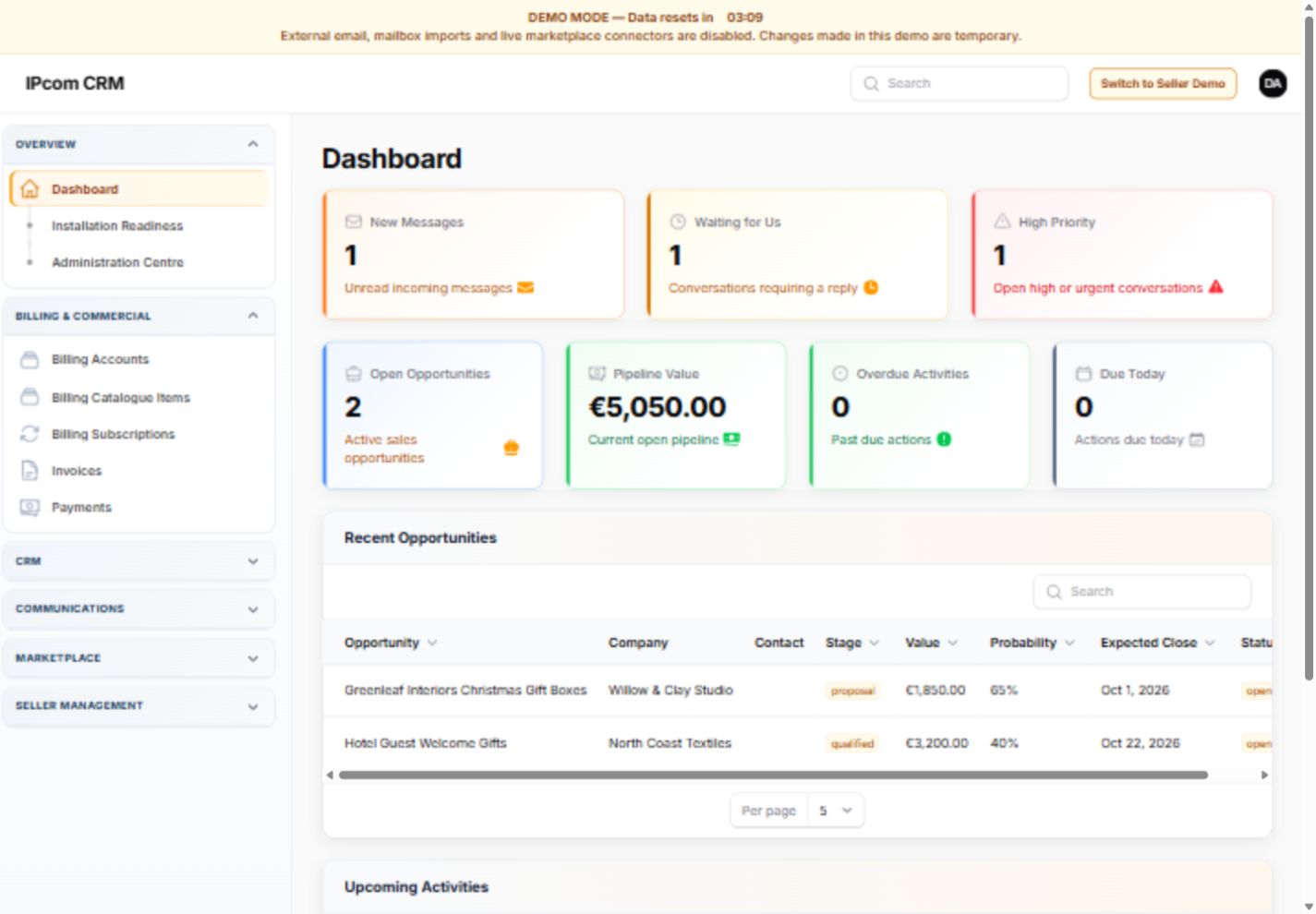
Keep people, organisations and their relevant business history connected instead of spreading information across unrelated documents and inboxes.
Maintain structured contact details, roles, communication information, notes and customer context.
Connect contacts and commercial activity to the correct organisation.
Preserve the surrounding sales, communication and billing context rather than keeping isolated records.
Record potential business, connect it to the relevant company and contact, and progress it through a controlled workflow.
Connect communications to the correct CRM context while using controlled mailing, consent and delivery tools.
Keep subscriptions, invoices, payments and customer access linked to the relevant billing account.
Maintain the commercial account that connects the customer to subscriptions and invoices.
Record recurring packages, billing periods, lifecycle state and provider references.
Create invoice history, allocate payments and provide secure customer invoice access.
Give the purchaser or authorised billing contacts access to subscriptions, invoices, payments and renewal controls.
Marketplace seller functionality is optional. The current seller-specific connection is intended for compatible CS-Cart Multi-Vendor installations and is not required for a standard IPcom CRM installation.
WordPress and WooCommerce connectors are planned future developments and are not represented as currently available. Connection availability depends on the platform, package and agreed implementation requirements.
Standard CRM access, customer billing access and optional marketplace seller access are separate. A seller portal is only relevant where a supported multi-vendor connection has been implemented.
Manage authorised internal CRM functions and records.
Provide entitled marketplace sellers with applicable CRM access only where a supported multi-vendor connection is configured.
Provide purchasers and authorised billing contacts with secure subscription, invoice and payment access.
Keep platform-level control separate from CRM staff, billing contacts and optional marketplace sellers.
We provision each initial customer installation manually during the soft launch. Configuration, onboarding and any agreed integration work are handled around the selected package and customer requirements.