Customer and company records
Find contact details, notes and relationship history in one place, with the context your team needs to follow up.
Follow a customer journey from first enquiry to ongoing business. Explore the workflows that matter to your team, ask questions and see whether IPcom CRM fits the way you work.
Demo login details are shown on the login page. Prefer a walkthrough? See what we cover.
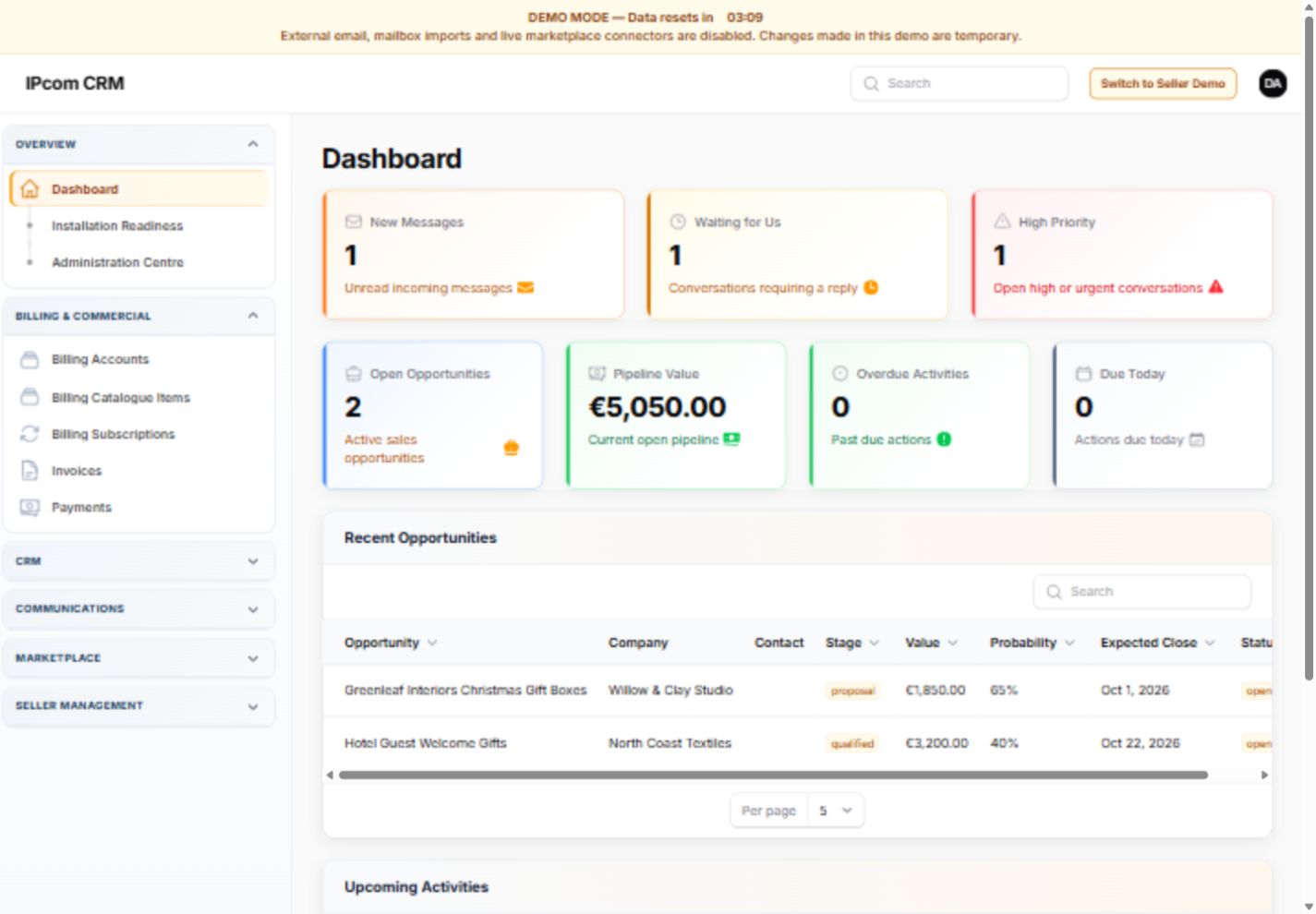
We will agree the focus with you. These are some of the areas we can explore, with availability explained for the package and setup you are considering.
Find contact details, notes and relationship history in one place, with the context your team needs to follow up.
Capture a lead, review the enquiry and follow an opportunity through the sales process without losing the next action.
Explore enquiry and reply history, campaign tools and the consent controls that keep marketing separate from routine follow-up.
See billing accounts, invoices, payments and subscriptions. The customer billing portal provides account billing access; it is separate from the team's CRM workspace.
Discuss team access, getting your data ready and the setup and support your business needs. No live customer data is needed for a demonstration.
For businesses using CS-Cart, we can discuss connected commerce and marketplace workflows. Marketplace seller tools are optional, not a requirement for every CRM customer.
Tell us what you would like to improve. We will respond to your request and agree a suitable time and focus with you.
The separate demo environment contains synthetic data. Explore it without affecting a live business account, and avoid entering personal or confidential information.
Choose the CRM demo for customer records, sales and team workflows. The seller demo shows optional CS-Cart marketplace features; it is not required for a general CRM customer.